Foliage and grass grading, skin protected by design
Flora is a targeted grading tool that isolates foliage, grass, and green vegetation. Hue, saturation, and density of greens can be adjusted
independently - while a built-in skin protection mask keeps complexions untouched.
14-day money-back guarantee·No subscription — pay once·Secure checkout via Paddle
The Approach
Three systems, working in sequence
Flora works in three stages: foliage is selected by color and luminance range,
a skin protection pass excludes complexions before any adjustment is applied,
and hue, saturation, and exposure controls let you dial in exactly the look you want.
Foliage Selection
Color & Luminance Range
The foliage selection fades continuously across hue, saturation, and luminance - no hard edges. Foliage Hue and Reach dial in exactly which areas are affected, from tight yellow-greens through broad autumn or sage colors.
Skin Protection
Hue Gate
A key identifies skin tones and subtracts them from the foliage selection before any adjustments are applied. The protection fades smoothly - no hard boundary between protected and unprotected areas.
Linear Adjustments
In AP1 Linear Light
Hue, saturation, and exposure controls to dial in the exact foliage you want for the scene.
Adjustments
Hue, saturation, and density in linear light
All three adjustment controls operate on the foliage selection in linear light.
Neutrals and non-foliage areas are unaffected.
Scales saturation proportional to the foliage selection.
Exposure
Brightens or darkens the foliage region independently of hue and saturation. Useful for adding density to over-lit trees and grass.
Preview Modes
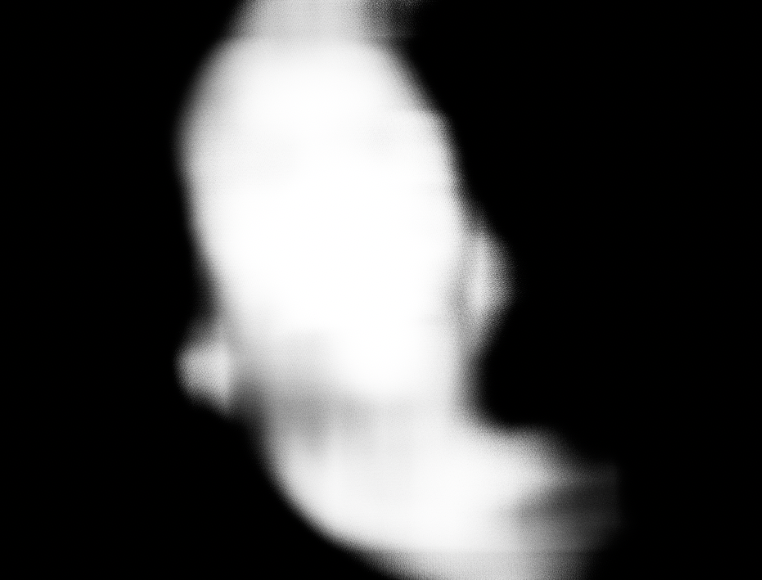
Four preview modes: Normal (full output), Foliage Weight (greyscale foliage selection), Skin Mask (greyscale skin exclusion), and Foliage Overlay (a tinted view of the selection over the source).
Foliage Grades
Infinite looks, one plugin
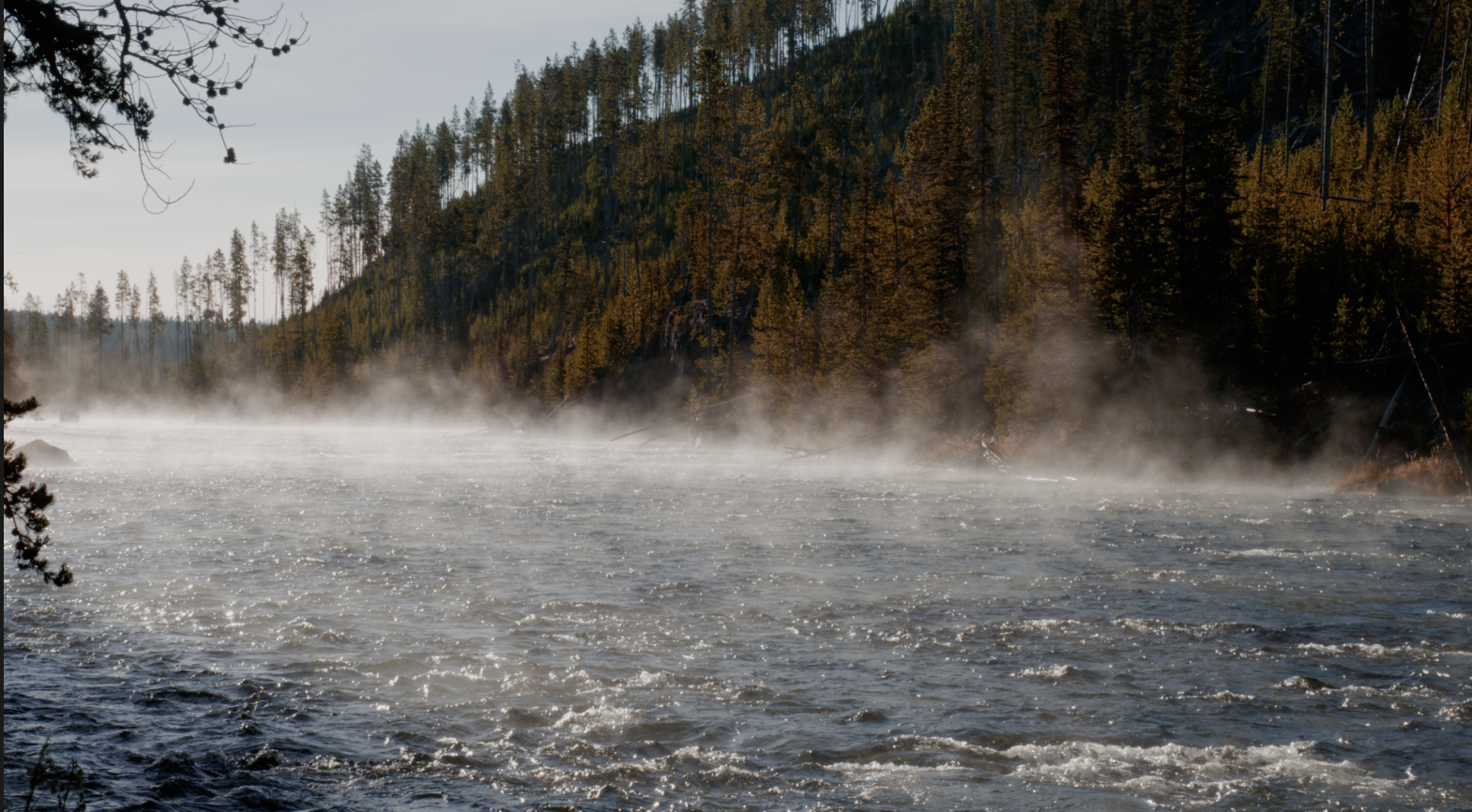
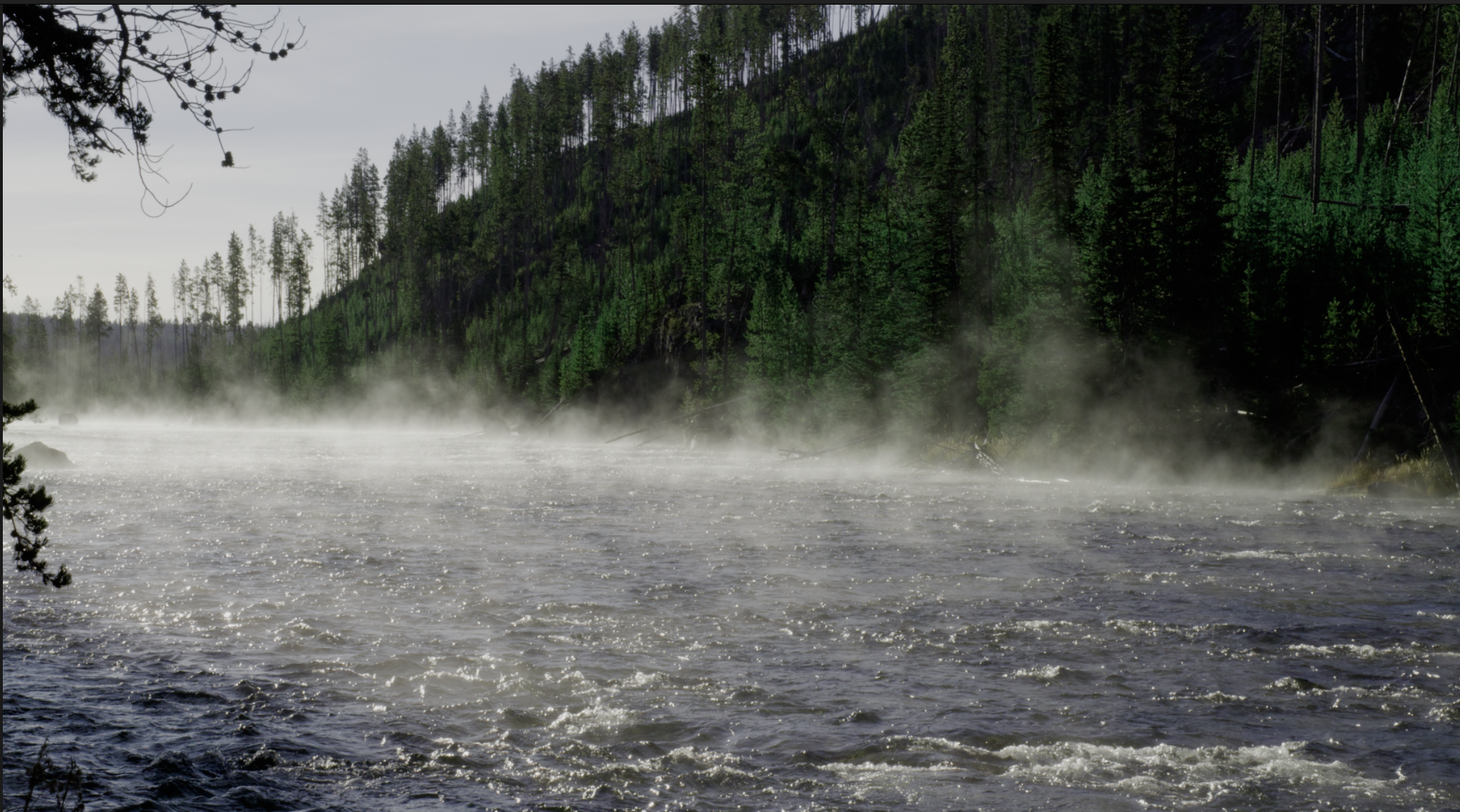
The same scene graded two different ways with Flora. Foliage hue, density, and saturation
are pushed in opposite directions.
Flora's skin mask cleanly protects skin-tones from being effected. Skin targetting can get tuned to the shot with center, width and softness controls.
at a hard edge.
Refine Radius
Controls how broadly Flora looks when identifying skin tones. Larger values help on noisy or compressed footage where colors can vary pixel to pixel.
Skin Protection
Sets how strongly the skin gate excludes skin-toned areas from foliage adjustments. At full strength, complexions are fully protected. Lower values allow some overlap in transition zones.
Skin Hue Center
The hue target for skin tone identification. The default covers a broad range of complexions. Shift to fine-tune protection for lighter or deeper skin tones.
Skin Hue Width & Softness
Width sets the range of hues protected around the center. Softness controls how gradually the gate rolls off at its edges.
Skin Mask preview mode - white areas are excluded from foliage adjustment
Color Space Support
Works in your pipeline
Flora decodes your log footage to scene-linear, converts to AP1 for all foliage
operations, then re-encodes back on the way out. You stay in your native log space throughout.
ACEScct
ARRI LogC3
DaVinci Intermediate
Controls
All in one panel
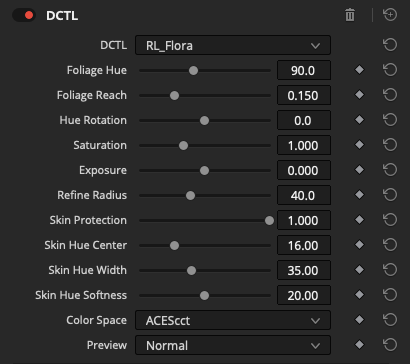
Every foliage selection, skin protection, and adjustment control is in a single DaVinci Resolve DCTL panel. Set your color space, dial in the foliage center, and adjust.
Setup
Color SpaceInput log color space
Foliage Region
Foliage HueReference hue center
Foliage ReachSelection width - narrow for precision, wider for broad coverage
Adjustments
Hue RotationFoliage hue rotation
SaturationSaturation multiplier
ExposureLuminance scale
Skin Protection
Refine RadiusSmoothing radius for skin tone detection
Skin ProtectionStrength of skin exclusion
Skin Hue CenterTarget hue for skin tone identification
Skin Hue WidthRange of hues protected around center